Use the app
Export records and prepare claims
Create a readable date-range report and a code-by-code summary for your normal billing workflow.
Quick answer: Export Hours creates a report of saved days. Billing Assist summarizes the four hourly categories for a selected range. Both are preparation tools. Neither one sends a claim to OHIP.
Last reviewed October 9, 2026
Export hours
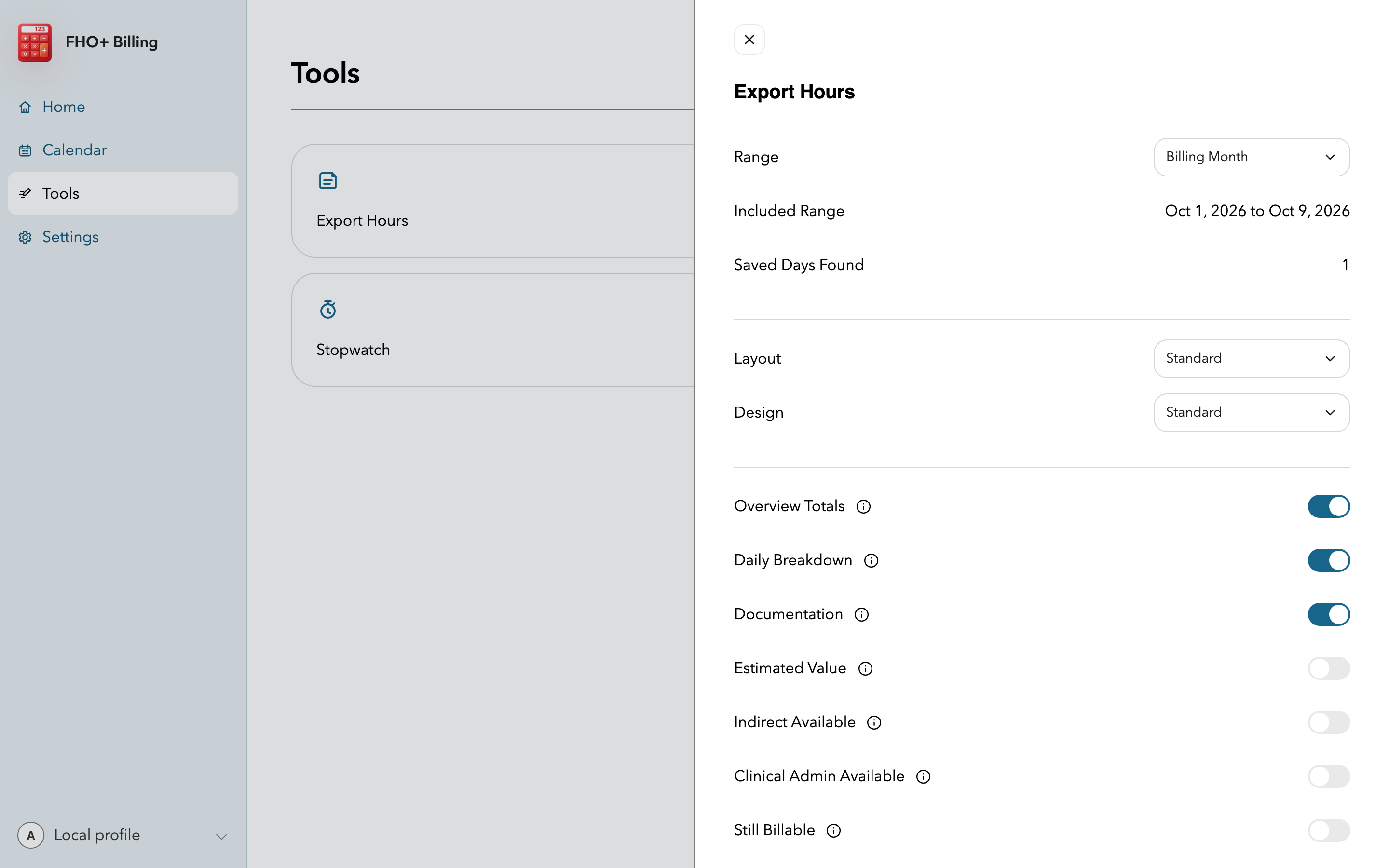
- Open Tools, then Export hours.
- Choose Today, Past week, Billing month, or a custom date range.
- Choose the report layout and turn the available detail sections on or off.
- Generate the report, review the preview, then print, share, or download the HTML file.
Use Billing Assist
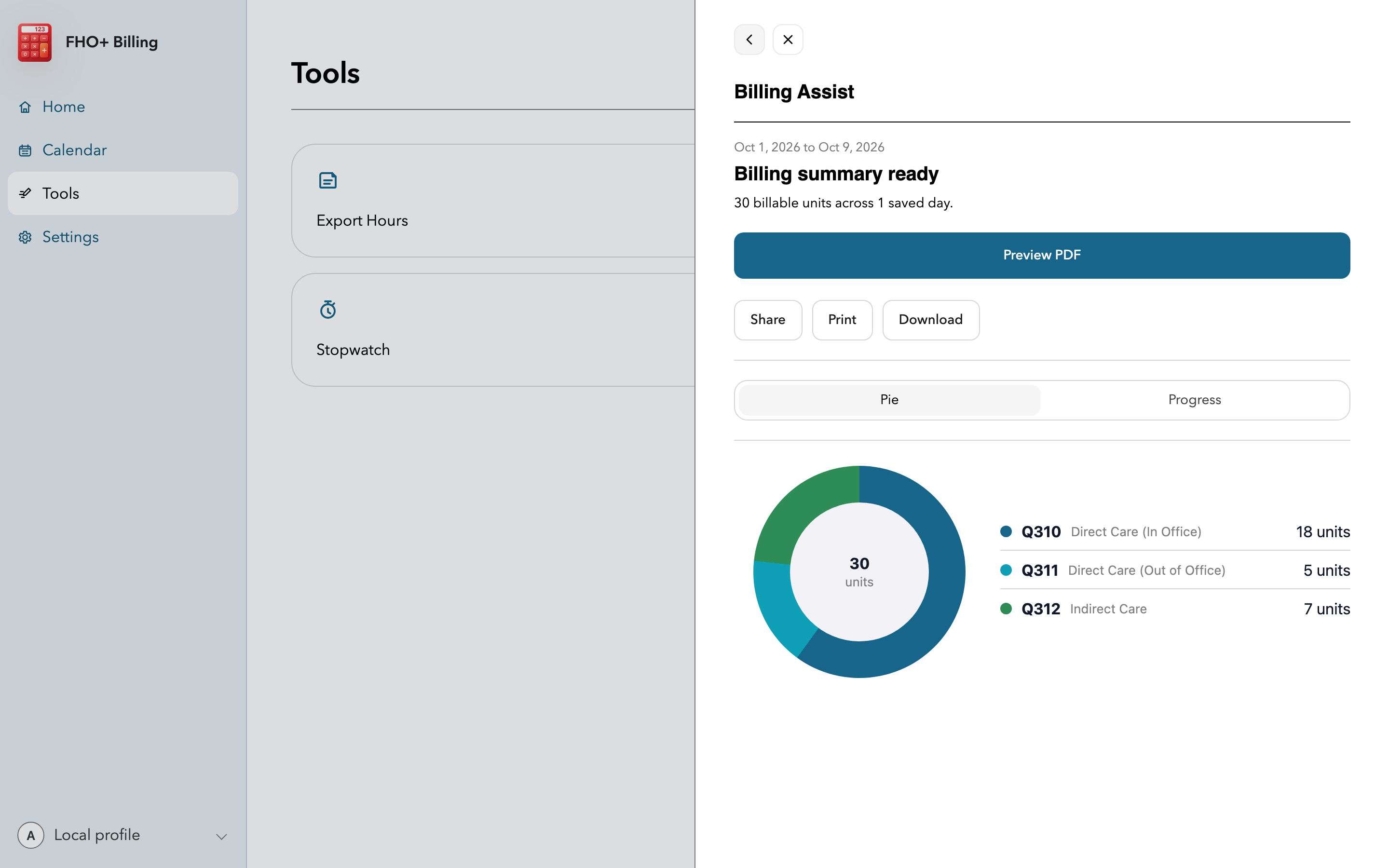
- Open Tools, choose Billing Assist, and select the same date range you reviewed in Calendar.
- Select Build Billing Summary and check the units for Q310A, Q311A, Q312A, and Q313A.
- Compare the service dates, units, and billed values with your billing software.
- Confirm the correct FHO group or solo billing number before submitting through your usual billing system.
Know what the report is
- The export is a copy of the saved data in FHO+ Billing. It is not an OHIP remittance advice or proof of payment.
- The report uses the app's normalized time and current base-rate estimate. It does not include premiums, shadow billing, or later payment adjustments.
- Regenerate the report after correcting a daily entry so the report matches the app.
Important notes
- Opening Export Hours or Billing Assist currently saves today's draft before opening the tool. Review today's values first, including a zero-hour draft.
- Store exported files according to your practice's privacy and records policies.