Use the app
Start here
Set up the app once, record the day while it is fresh, and review the month before you prepare claims.
Quick answer: FHO+ Billing is a daily time log and review tool. It records the time you enter, converts it into units, shows the available room under the app's rules, and creates reports. It does not submit claims or decide whether a service is eligible.
Last reviewed October 9, 2026
What the app does
- Records daily totals for direct care, out-of-office telephone care, indirect care, and clinical administration.
- Converts time into 15-minute units and estimates the base value of the saved time.
- Shows daily and monthly room, support-time room, and prompts that need a review.
- Creates a detailed hours export and a code-by-code billing summary for your normal billing workflow.
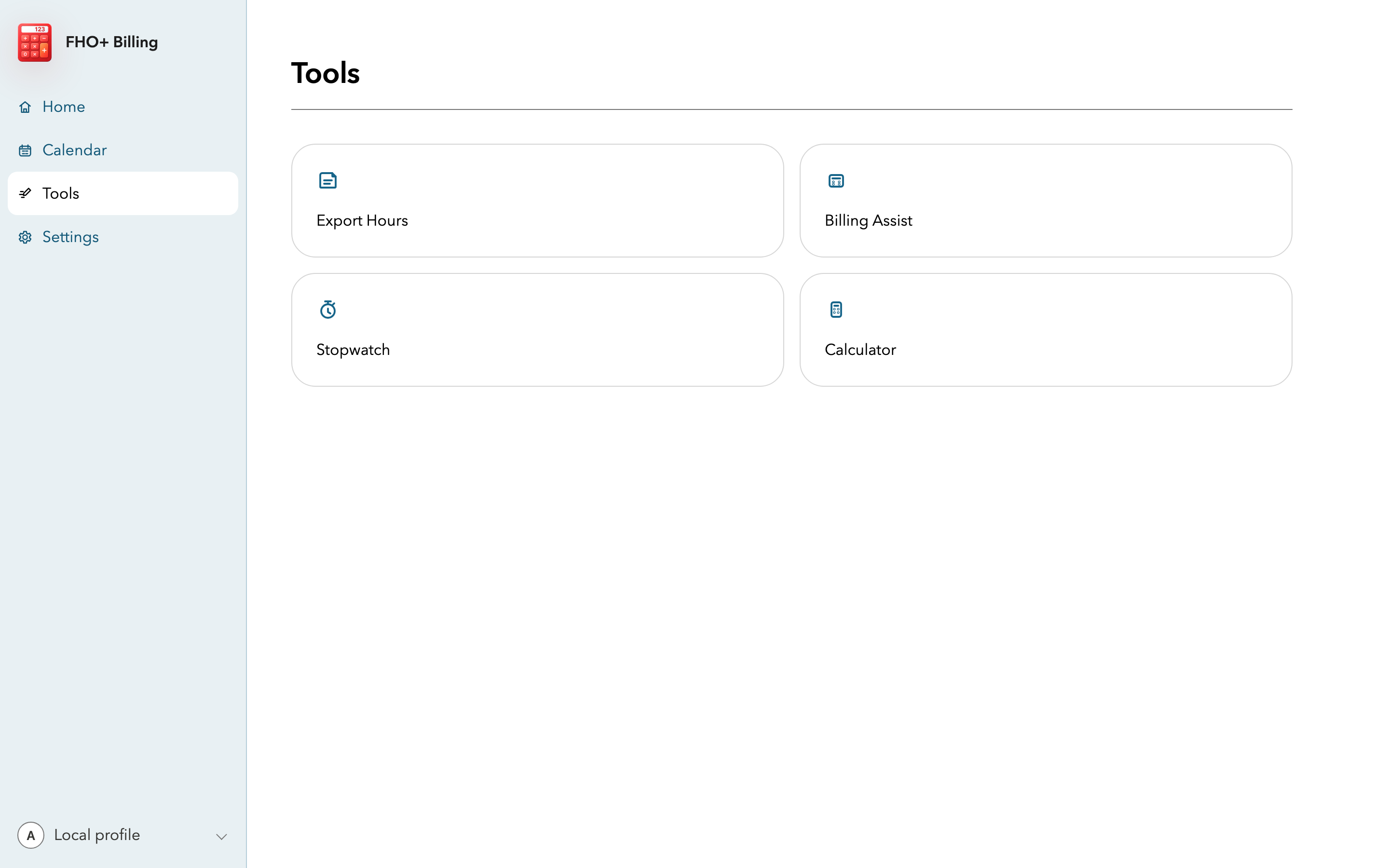
Find your way around
| Area | Use it for |
|---|---|
| Home / Today | Enter or edit one service date, review the live overview, and save the day. |
| Calendar | Choose a billing month, open a service date, review monthly totals, and follow prompts. |
| Tools | Export Hours, Billing Assist, Stopwatch, and Calculator. |
| Settings | Choose time and display preferences, manage presets and weekday automation, read the in-app guide, and review data or sync status. |
Set up the app once
- Open Settings and choose whether you want to enter time as minutes or units. Turn on secondary conversions if seeing both helps you check your work.
- Create a small set of direct-care presets for repeat clinic blocks. Add short description tags for common indirect-care activities.
- Choose a documentation mode. Quick keeps prompts short, Standard adds guidance, and Audit-ready asks for more detail.
- If your weekdays follow a reliable pattern, set up weekday automation after the presets are correct.
Use the same routine each day
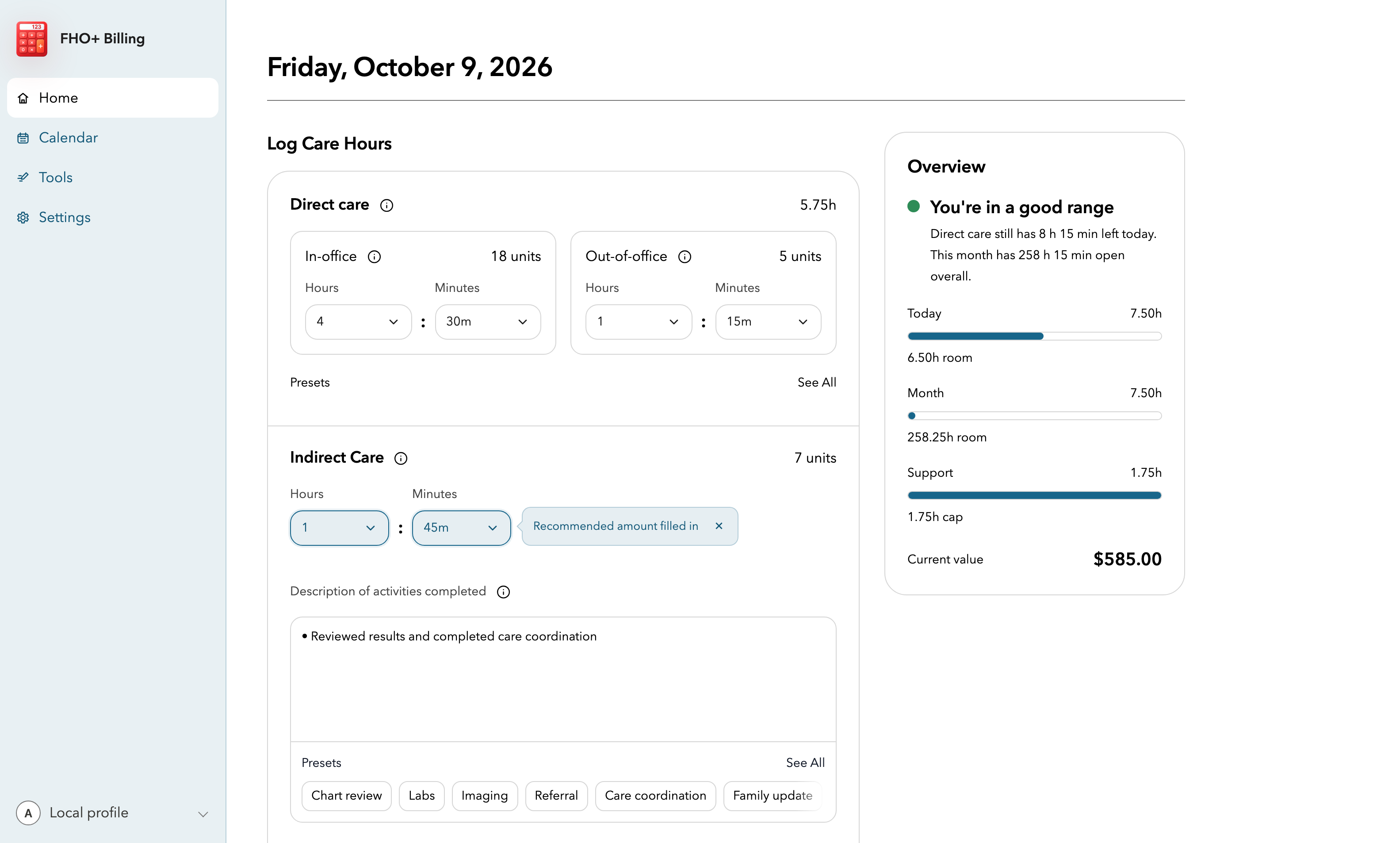
- Open Today and confirm the service date.
- Enter in-office direct care and out-of-office telephone care in their separate fields.
- Add only the indirect care or clinical administration you personally completed. Add an activity summary when you use either support category.
- Read the billing snapshot. If a number or warning does not match the day, fix the category or amount before saving.
- Save the day, then scan Calendar at least once a week for blank or unusual dates.
Before you bill
- Review each service date you plan to claim.
- Check the 14-hour daily limit, the prorated monthly limit, and the two support-time ratios.
- Generate a billing summary for the same date range and compare it with your billing software.
- Keep the export with your usual billing records if that fits your practice's process.
Important notes
- Enter time you actually worked. A preset, an optimized suggestion, or an available amount is not proof that the work occurred.
- The official Ministry rules, your FHO agreement, and your billing advice take priority over this wiki.