Use the app
Use the time tools
Measure one work block or total several blocks before applying the result to Today.
Quick answer: Use Stopwatch when you need to measure one session. Use Hours calculator when you already know several durations or start and end times. Both tools help with arithmetic; neither one decides whether the work is eligible.
Last reviewed October 9, 2026
Choose the right tool
| Tool | Use it when |
|---|---|
| Export Hours | You need a readable copy of saved records for a date range. |
| Billing Assist | You want to review the hourly-code units and totals before entering them in your normal billing system. |
| Stopwatch | You need to measure one work block. |
| Calculator | You know several durations or start and end times and need to total them. |
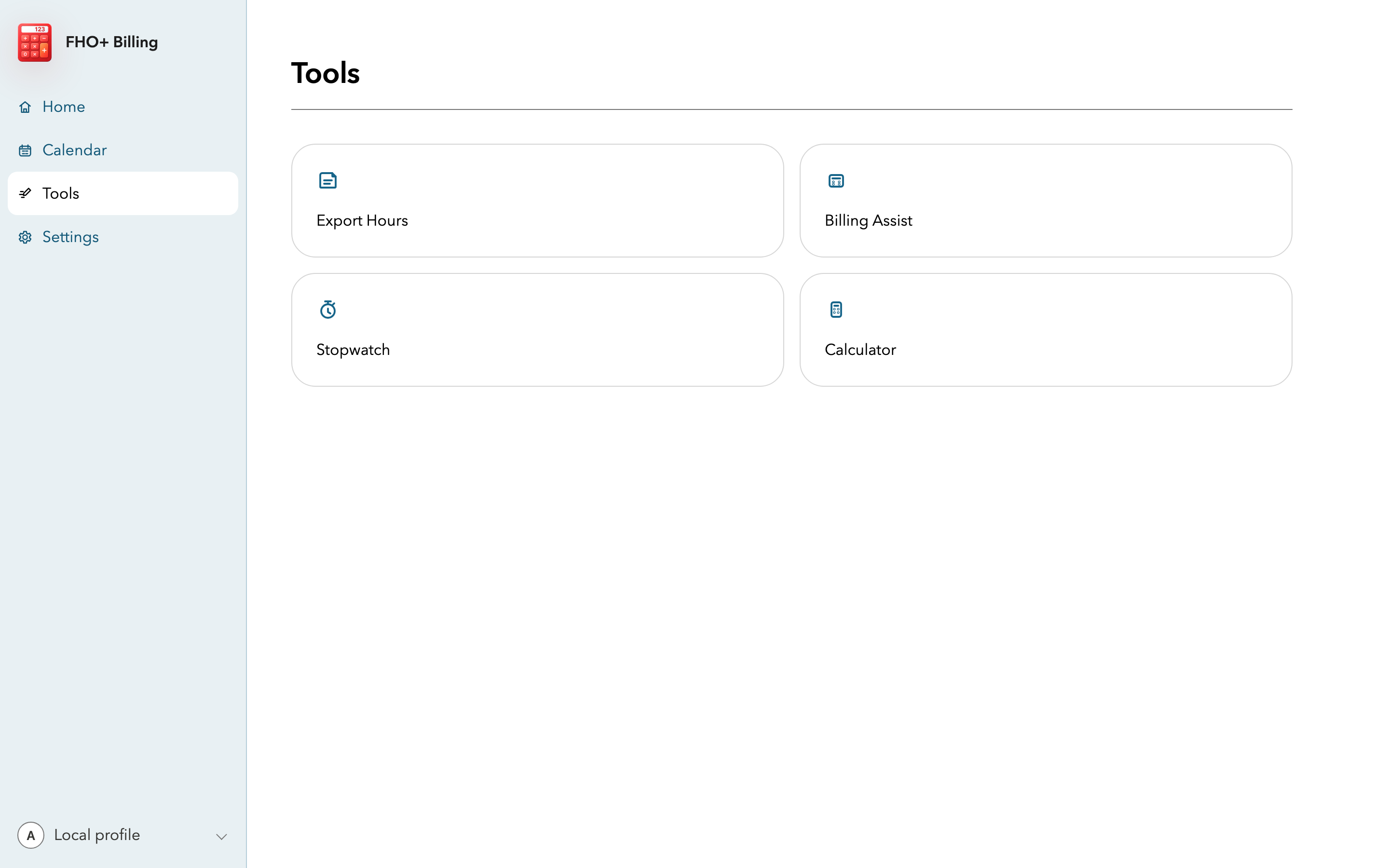
Stopwatch
- Open Tools and choose Stopwatch.
- Start the timer when the eligible work begins and stop it when the work ends.
- Use the nearest-unit option when you are applying one measured block. The app's threshold is eight minutes or more for the next 15-minute unit.
- Apply the result to the correct field on Today, then add the activity description if the time is indirect care or clinical administration.
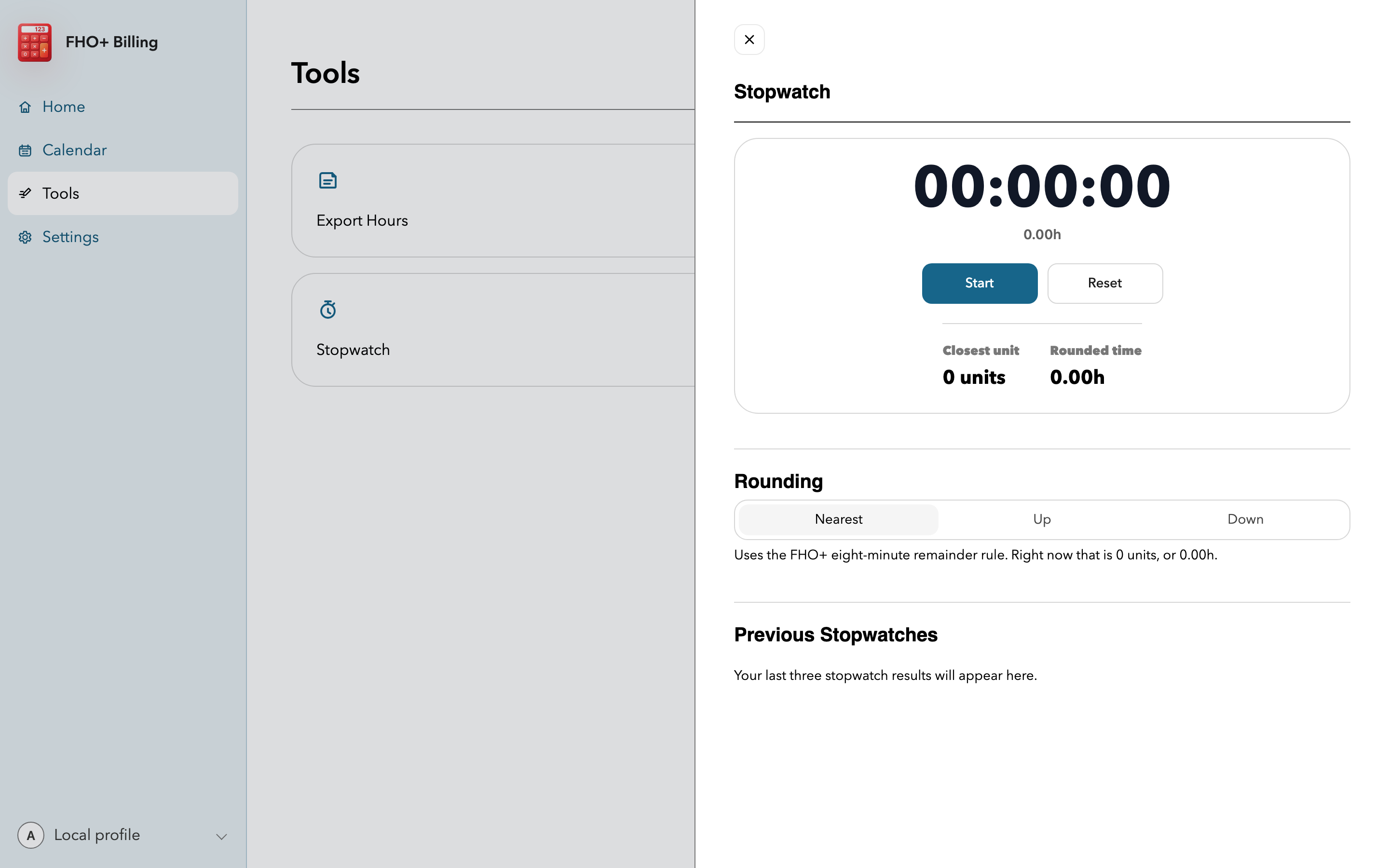
Hours calculator
- Add one row for each work block you want to total.
- Check the combined duration before applying it to Today.
- Apply the result to the category that describes the work. A duration by itself does not establish eligibility.
Rounding examples
| Cumulative minutes | Units | Why |
|---|---|---|
| 67 minutes | 4 units | The 7-minute remainder does not add a unit. |
| 68 minutes | 5 units | The 8-minute remainder adds a unit. |
| 60 minutes | 4 units | One hour contains four 15-minute units. |
Before you apply a result
- Confirm that the work happened on the service date you are editing.
- Choose the category based on the work, not on which category has room left.
- Total related time before rounding when the work was split across several blocks in the same category.
Important notes
- Do not round every patient encounter or work block separately. The published rule applies to cumulative daily minutes within each category.